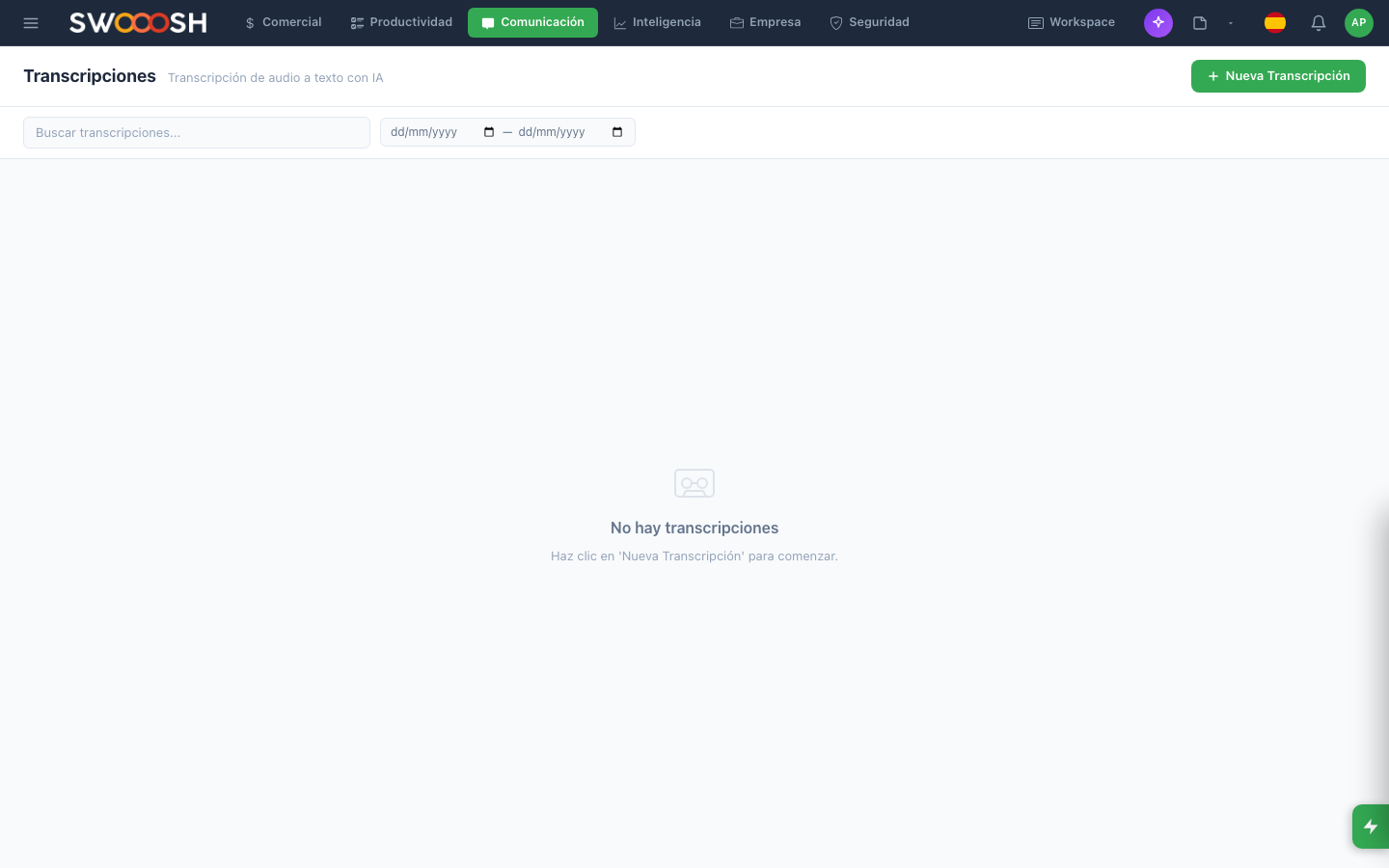
What are Transcriptions?
It is the module where you upload recordings (client calls, internal meetings, voice notes) and Pilot turns them into searchable text. Afterward you can summarize them, mark important segments, and turn agreements into tasks.
Upload an audio file
- The 'Upload audio' button.
- You choose the file: mp3, wav, m4a, ogg.
- Optional: title, tags, link to a client or meeting.
- Pilot processes it (depending on the length, it takes 1 to 10 min).
- It notifies you when it is ready.
Read, search, summarize
- The transcription shows the text with timestamps per paragraph (click one → plays that moment).
- You search inside it with Cmd+F.
- You mark important segments (highlight).
- You ask the assistant: 'Summarize this call for me in 5 bullets' or 'what agreements were reached?'.
Example: a client call
Example
You had a 40-minute call with an important prospect. You recorded it.
- You upload the mp3 to Transcriptions.
- In 4 min it is ready.
- You ask: 'Summarize the key points and the agreements for me'.
- The assistant returns: the prospect is interested in the Pro Plan, needs a proposal before Thursday, asked for a discount for 12 months prepaid.
- You turn 'send the proposal before Thursday' into a task with a date.
You keep the entire context of the conversation without taking notes live. And you have a concrete action.