Communication · Feature

Multichannel broadcast: announcements to your segmented base by email, WhatsApp, and push, in a single flow

For one-to-many messages that absolutely have to land: team announcements, customer notices, mass reminders. Each recipient gets the message privately (they don't see each other), you choose the channel per person or rule, and you get a report of who received, read, and replied. The AI personalizes the greeting and the body with contact data. Included in Pilot, the integral AI-driven business system, and it orchestrates the channels you already use (WhatsApp Business, your email) without wiring them up separately.

Intermediate 6 min read broadcastmasivoanunciosgrupos
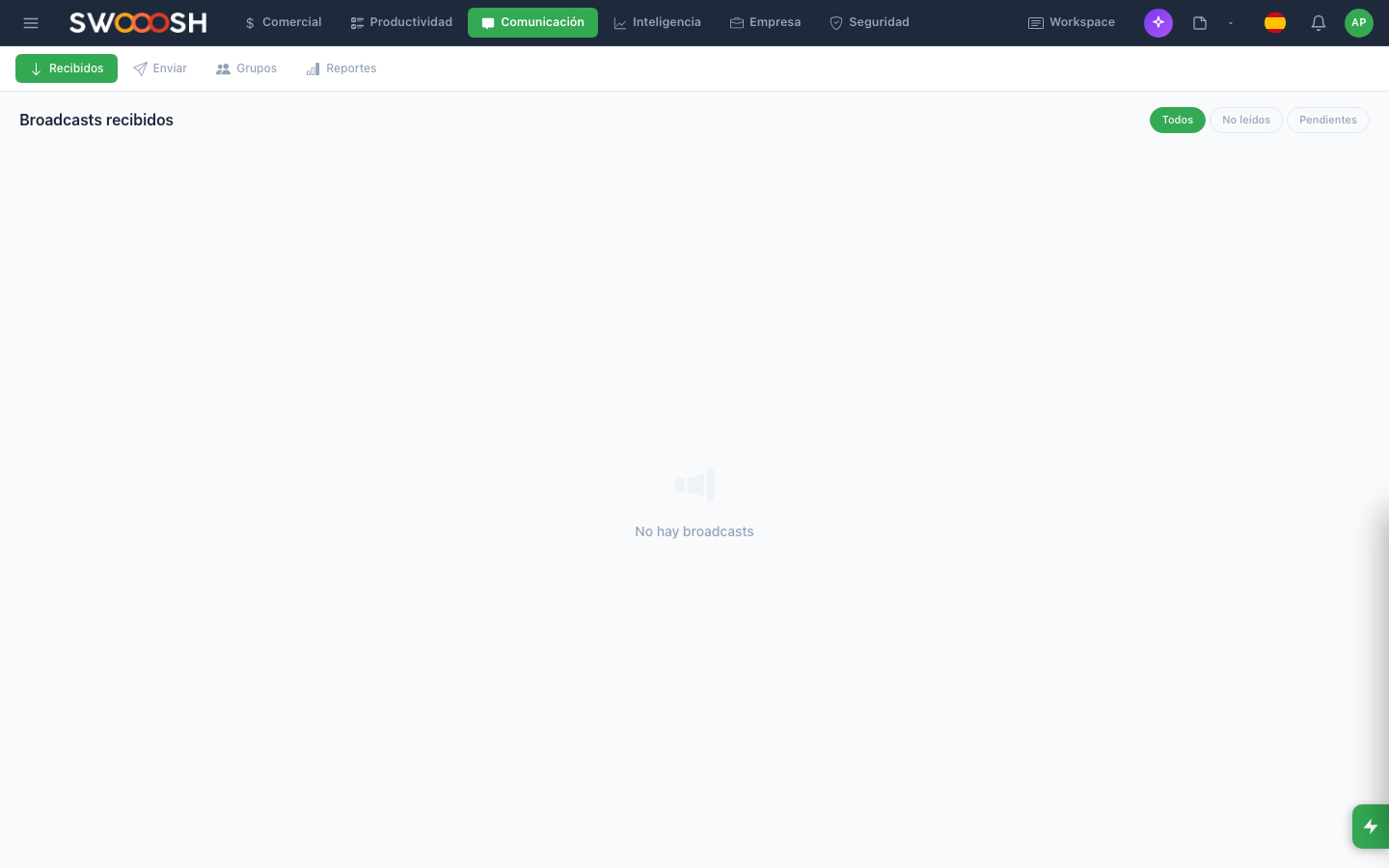
Screenshot of the Broadcast module in Pilot Desk
In 30 seconds
  • For sending the same message to a group of people without setting up a group chat.
  • Each recipient gets it as a private message (they do not see one another).
  • Useful for team announcements, client reminders, notices.
  • It tracks who received it, who read it, who replied.

What is Broadcast?

It is the difference between sending to a group (everyone sees everyone) and sending to a list (each person receives it as a private message). It is for one-to-many communications where you do not want the recipients to see one another.

The 4 sections

  • Inbox: broadcasts you received.
  • Compose: create and send a broadcast.
  • Groups: reusable recipient lists (VIP clients, sales team, etc.).
  • Reports: who received, read and replied to your past broadcasts.

Create a group (list)

Go to Groups → New group. Name, description, members (from Clients or from the team). Then you use it as a recipient without having to assemble it again.

Example: a notice to VIP clients

Example

You are about to launch the Pro Plan and want to tell your 30 VIP clients first.

  1. You already have the 'VIP Clients' group created with 30 contacts.
  2. Compose → you select the group.
  3. You write the message with the «name» variable so it says 'Hi Karina' / 'Hi Diego' / etc.
  4. You send.
  5. Each client receives the message as a private conversation with you.
  6. 2 days later: the report says 28 read it, 5 replied.

A personalized, traceable notice. Without mixing 30 people into a group where they see one another.

How it connects

How it connects: Broadcast

Integrations that power this feature

Connect Pilot with the tools your team already uses. The AI orchestrates between them without you switching screens.

Frequently asked questions

How is Broadcast different from Mailing?
Mailing is for mass email campaigns focused on marketing: newsletters, promotions, launches. It has a visual block editor, templates, A/B testing, and detailed metrics (open, click, unsubscribe). Broadcast is for one-to-many messages on any channel (email, WhatsApp, push), focused on operational or transactional content. The practical difference: if you need to send a visual newsletter to 5,000 contacts you use Mailing; if you need to tell 80 VIP customers the hours changed, you use Broadcast.
How does it decide which channel to use for each contact?
You set the default priority (for example: WhatsApp if there's a number and consent, otherwise email). You can also force a channel per broadcast ('this message by email only'). If the contact doesn't respond on the primary channel within X hours, Pilot can retry on the secondary one. Each individual recipient can have a different preference — Pilot respects it.
Does it support WhatsApp with approved templates?
Yes. To send proactive WhatsApp Business messages outside the 24-hour window, you need approved platform templates. Pilot handles the whole flow: you build the template, we submit it for approval, and once approved it's available for use in Broadcast with variables. If your WhatsApp Business account isn't set up yet, we help you stand it up.
Do I get a report of who read each message?
Yes. By channel you'll see: sent, delivered (bounce = didn't reach the inbox), read (with timestamp if the channel supports it — WhatsApp and push do, email only if images load), replied. For WhatsApp you also see who replied and link the reply to the original conversation. For email you see link clicks if there are any.
How much does it cost?
Pricing is based on monthly message volume and active channels. WhatsApp usually has a per-conversation cost set by the platform — Pilot passes it through transparently. Email and push have a low per-unit cost. Contact us for a tailored proposal based on your volume.

Did your last important announcement reach whom, and was it read?

Book a 30-minute demo. We connect test channels (WhatsApp, email, push) and send a broadcast to a sample list so you can see segmentation, personalization, and the live report in action.

Request a demo